Tools I Use to Improve at Programming – Part 2: GitHub and Version Control

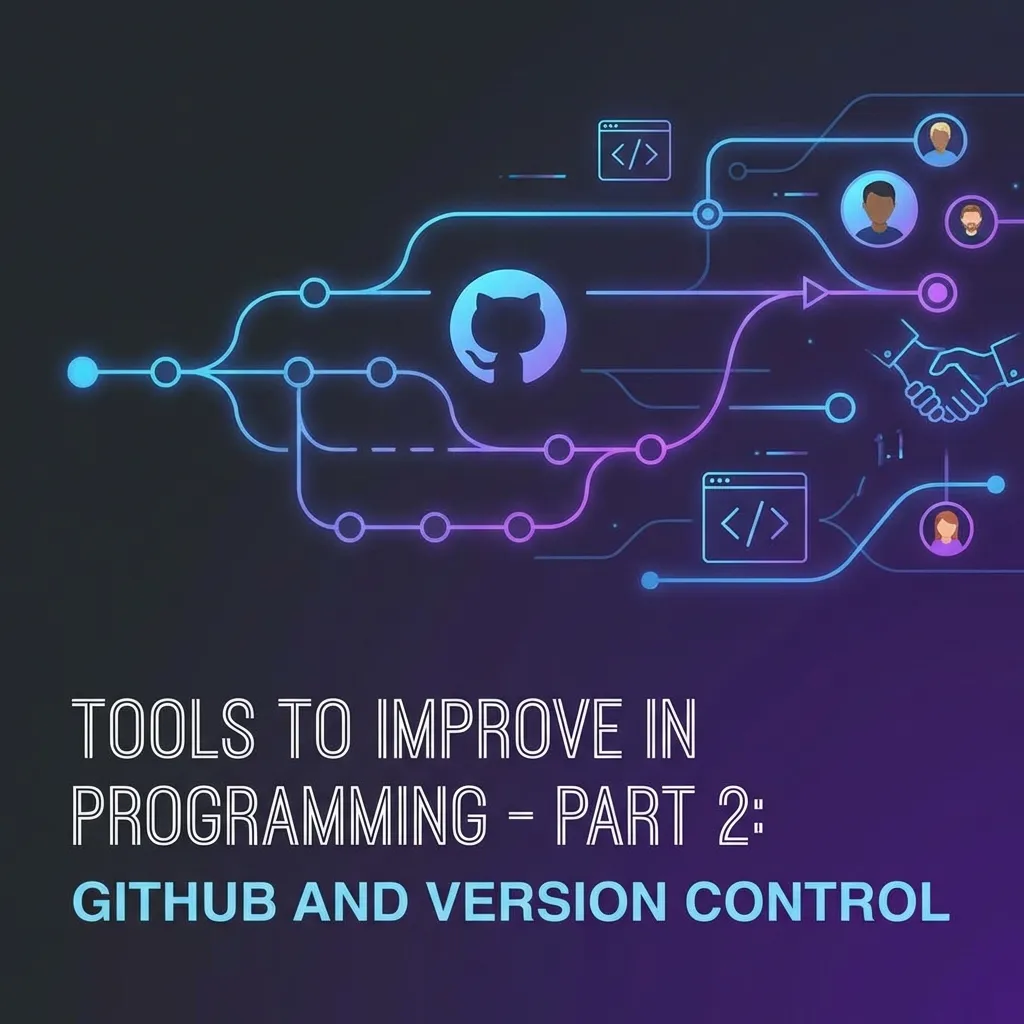
Tools I Use to Improve at Programming – Part 2: GitHub and Version Control
If you’re a programmer and still don’t use GitHub, you’re missing one of the most important tools in the industry. 🚀
In this second part of the tools series, we’ll talk about Git and GitHub: what they are, why they’re essential, and how to start using them.
🤔 What is Git and why do you need it?
Git is a version control system that allows you to:
✅ Save the change history of your code
✅ Return to previous versions if something goes wrong
✅ Work in a team without overwriting others’ code
✅ Experiment with new features in branches
Git is the industry standard for version control, and every professional developer uses it.
🐙 What is GitHub?
GitHub is a cloud platform where you can:
✅ Store your code projects
✅ Collaborate with other developers
✅ Contribute to open source projects
✅ Create your programmer portfolio
GitHub is like a social network for programmers. It’s where you showcase your work, collaborate with others, and build your reputation in the tech community.
🚀 Essential Git Commands
Here are the basic commands you need to know:
# Initialize a new repository
git init

# Add files to staging
git add .

# Create a commit
git commit -m "Commit message"

# Push to remote repository
git push origin main

# Pull latest changes
git pull

# Clone a repository
git clone <repository-url>
💡 GitHub as a Portfolio
Your GitHub profile is your visual CV. Recruiters check it to see:
- What projects you’ve built
- How active you are programming
- If you contribute to open source projects
- Your code and programming style
Tips to improve your profile:
- Pin your best projects
- Write good README files
- Keep your code clean and documented
- Contribute to open source
- Maintain consistent activity
🎯 Conclusion
Git and GitHub are mandatory tools for any programmer. It doesn’t matter if you work alone or in a team, knowing version control is a fundamental skill.
Start using Git today and build your portfolio on GitHub. Your future self will thank you!
📌 Next article: Part 3 - VS Code and Essential Extensions